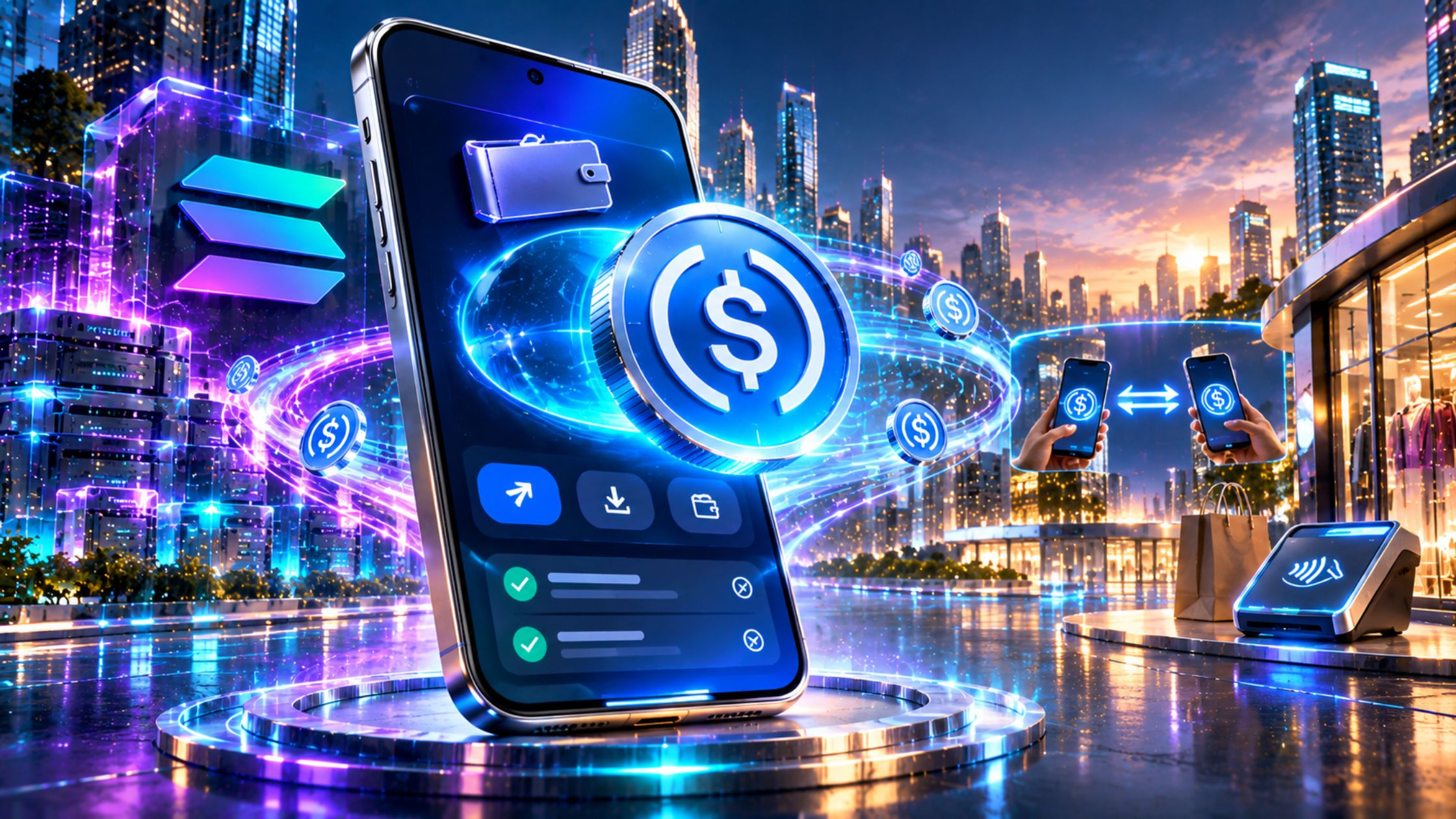
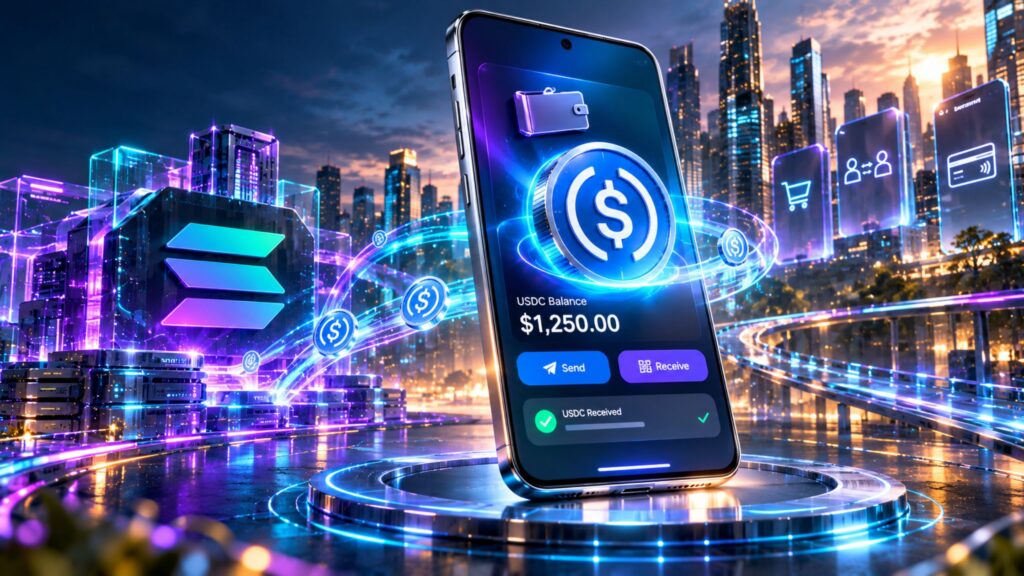
The Samsung Wallet USDC launch is bringing digital dollars into a familiar smartphone app. Eligible Galaxy owners in the United States can now buy, hold, send and receive USDC through Samsung Wallet, with transfers settling on Solana. Announced in October and activated on November 2, 2026, the integration removes the need for a separate crypto application or personally managed private keys.
What Samsung Launched and When
The Solana Foundation confirmed the rollout on November 5, following Samsung’s October 7 announcement. Stablecoin Accounts are integrated into the same interface people use for payment cards, identification and boarding passes. The feature is compatible with approximately 82 million Galaxy devices in the United States, although that figure represents potential reach, not active accounts.
For the crypto industry, distribution through an existing wallet app matters because it reduces the steps required to access stablecoins. However, Samsung has not released account openings, transaction totals or retention figures, so real adoption cannot yet be measured.
How USDC Transfers Work
Users can open a Stablecoin Account from Samsung Wallet and follow registration prompts. Once verified, they can purchase USDC using supported payment methods. Stripe’s crypto onramp supports purchases through Samsung Pay, cards and ACH, with compliance and identity checks handled through its infrastructure.
From the Quick Access tab, users select Send and choose either a compatible wallet or a bank payout. Domestic transfers to other eligible Samsung Wallet users and compatible external crypto wallets carry no Samsung transfer fee, although outside providers may charge.
International payouts reach qualifying bank accounts in more than 60 countries, potentially delivering local currency. Availability, charges and estimated delivery times depend on destination and provider. Sending money to a bank is not necessarily free. Bank payouts offer a familiar endpoint, but users should compare conversion rates, service charges and withdrawal conditions before moving larger amounts.
Custody, Eligibility and Risk
The Samsung Wallet USDC launch uses a custodial structure. Bastion provides digital asset services, while Coinbase safeguards balances through an institutional custody arrangement. Users therefore avoid managing private keys directly, but they depend on third parties for safekeeping and operations.
Access is limited to eligible United States residents aged 18 or older with a Samsung Account and supported Galaxy device running Android 13 or later. New York residents are excluded. Identity verification and fingerprint authentication are required. Account setup may require a government-issued ID, personal tax information and a selfie, reflecting standard compliance procedures rather than anonymous access.
USDC aims to maintain a one-dollar value, but the account is not a bank deposit. Samsung says balances are not protected by FDIC, NCUA or SIPC coverage. These distinctions matter for first-time crypto users.
What Does This Mean for SOL?
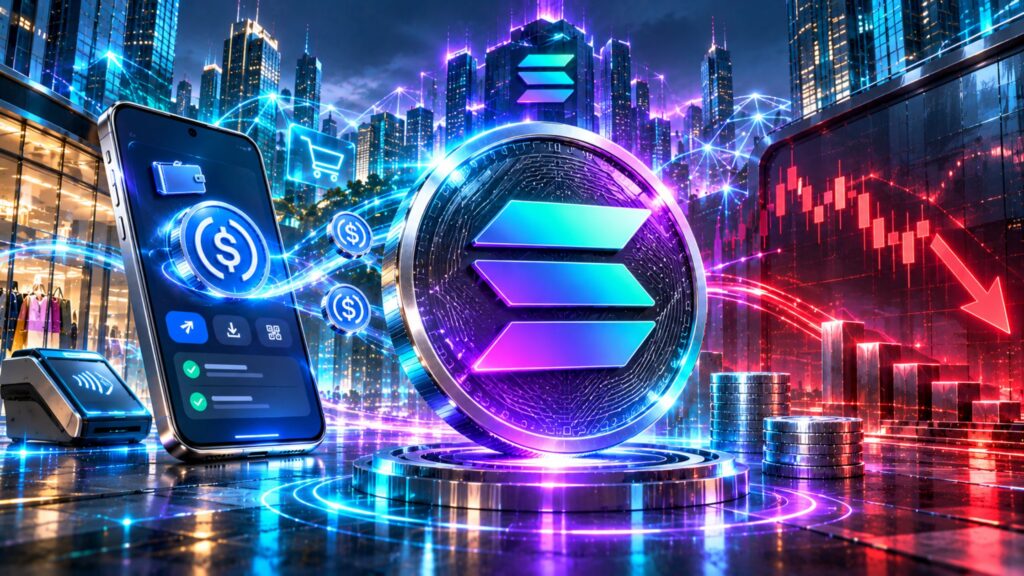
Despite the launch, SOL traded near $89.33 on November 6, falling 6.9% in 24 hours, according to the source report’s CoinGecko snapshot. Its reported market capitalization was $52.756 billion. No verified evidence ties this decline to Samsung’s feature.
Solana benefits from another consumer-facing use case, not necessarily immediate demand for SOL. The Samsung Wallet USDC launch primarily expands access to stablecoin transfers; its longer-term network impact will depend on transaction activity.
What Comes Next?
Samsung is considering online and in-store stablecoin payments alongside expansion into additional markets. Neither plan has a confirmed timetable, and regulatory approvals could shape availability.
Conclusion
The Samsung Wallet USDC launch marks a practical step toward everyday digital payments. By bringing USDC transfers into a familiar interface, Samsung lowers adoption barriers while retaining eligibility, custody and consumer protection limitations. For the crypto market, the meaningful test is sustained usage, not device compatibility alone.